
There are so many incredible built-in accessibility tools that our students have access to on iPad and Mac.
Below is a workshop recording of some of my favourite features that I make a point of showing students at the beginning of the year, to set them up for success.
We started the workshop by making sure that Dictation and Speak Selection were turned on and customised within our Settings.
While in Settings we also customised our Control Centre to include some useful shortcuts for learners including the awesome Screen Recording tool.
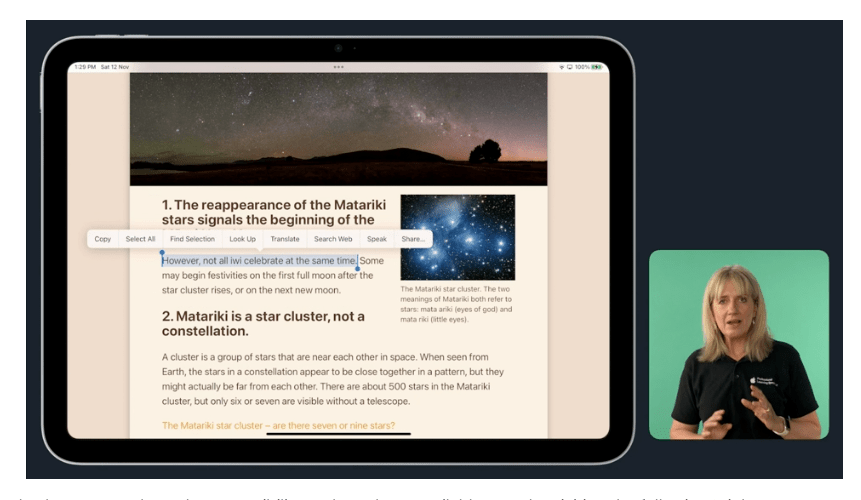
We then went on to discover the power of built-in accessibility tools within Safari that can really help students as they research information. Some of the features we looked at were:
- Reader View
- Look up
- Speak Selection (having text spoken to you)
- Find tool (new to iOS16)
- Sharing options – including sending to Notes
- Taking a Screenshot, using Mark Up and saving as a pdf
- Taking a Screen Recording as you Mark Up – encouraging students to articulate their understanding of what they are reading in their research
This was just a very small taste of how the built-in accessibility features can really impact student learning – and our own personal use of iPad!
Click here to see the recording of the session on the Apple Education Community Forum
 Revelare